

Key Takeaways
- Trust Your System to Make It Stick: Effective digital organization goes beyond clever folders or fancy apps. It’s about having enough trust in your system that your brain can relax, stop second-guessing, and shift into relying on routines that really work.
- Centralize to End Digital Scavenger Hunts: Establishing a single “home base” folder structure (on your local drive or in cloud storage) means you always have a starting point and a reliable place to return, reducing overwhelm and banishing lost files for good.
- Chunk It Down, One Small Area at a Time: Tackle your cleanup by breaking large tasks into micro-tasks, like sorting a single folder or focusing for 15 minutes. This approach prevents burnout, keeps your progress visible, and aligns perfectly with how ADHD motivation works.
- Naming Conventions Are Your Autopilot: Develop simple, memorable file naming rules (such as dateprojecttopic). This makes it easy to locate what you need fast, eliminating guesswork and saving mental energy.
- Email Triage Beats Zero-Inbox Guilt: Forget chasing perfection. Focus on habits that deliver impact (bulk archiving, powerful filters, and ruthless unsubscribing), so email guilt never drags you down.
- Leverage ADHD-Friendly Digital Tools: Tools like Notion, Trello, and Todoist aren’t just more technology. These apps can be customized as ADHD-friendly allies that simplify routines and keep projects on your radar without adding complexity.
- Workflow Routines Reinforce Your Progress: Pair your organization habits with short, daily or weekly rituals, like a five-minute folder tidy-up. Over time, digital order becomes second nature, not just a one-off burst.
A sustainable digital system isn’t about striving for perfection. The real win is creating a system that’s easy, trustworthy, and tailored to you. Now, let’s dive into the step-by-step process to transform digital clutter into confidence, one practical shift at a time.
Introduction
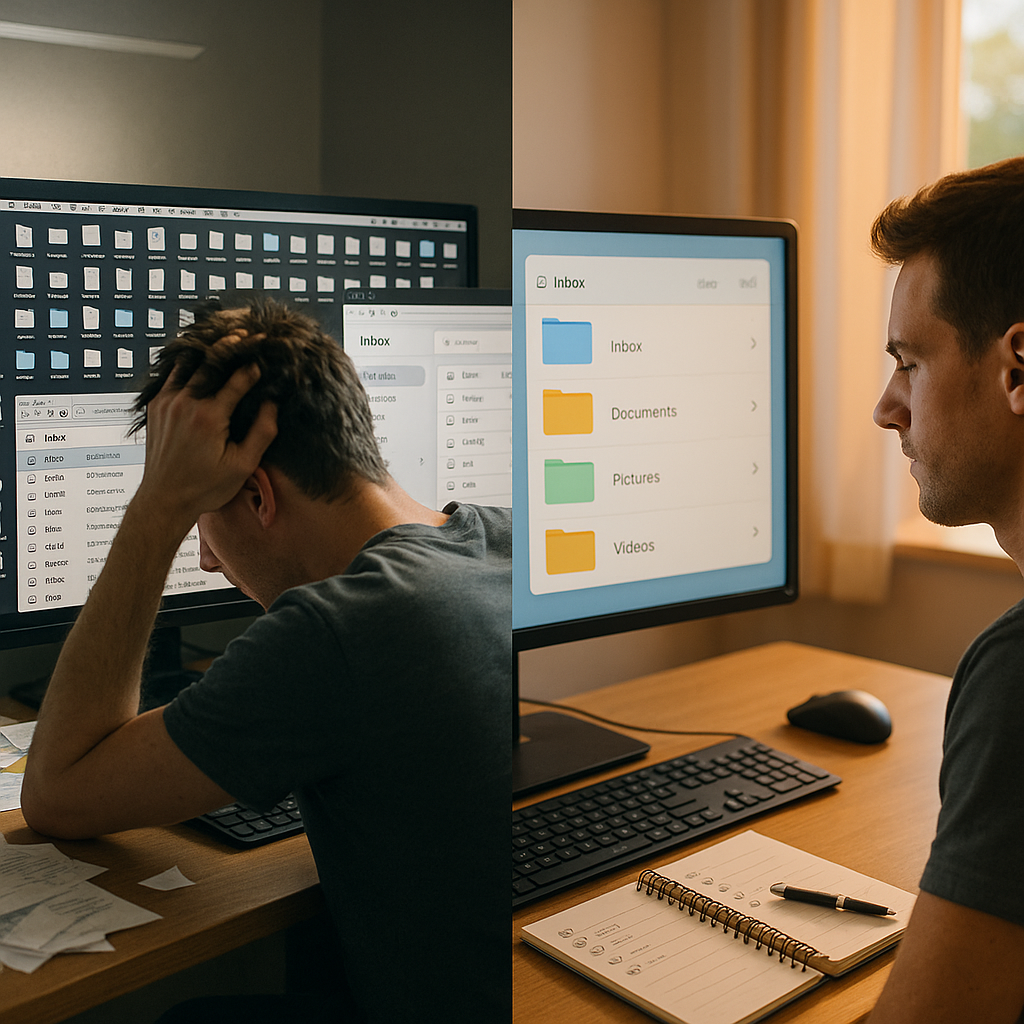
If your desktop feels like a digital junk drawer or your inbox seems to multiply emails by the hour, you’re in good company. Digital clutter takes on a unique intensity for those with ADHD. It’s not just a hassle; it drains your focus, increases anxiety, and can make finding a single file feel like an overwhelming scavenger hunt.
But digital organization doesn’t have to feel like wrestling with your own brain. By combining structure, habits, and ADHD-friendly tools, you can create systems that don’t just “stick” for a week, but actually work for you in the long run. In this guide, we’ll break down actionable strategies and realistic mindsets to turn digital chaos into confidence, making file management, email cleanups, and ongoing routines both manageable and sustainable for the uniquely wired, fast-moving ADHD mind.
Understanding Digital Clutter & the ADHD Brain
Before we tackle the solutions, it’s important to explore why digital clutter has such a strong impact on people with ADHD. Acknowledging these differences sets the stage for systems that actually align with your needs.
Why Digital Clutter Hits ADHD Brains Differently
While everyone feels the pain of a messy desktop, ADHD amplifies the impact of digital disorder. Our minds process and prioritize information in non-linear ways, which means digital chaos can quickly escalate into real obstacles. When you’re surrounded by scattered files, endless emails, and a labyrinth of open tabs, the ADHD brain experiences:
- Increased cognitive load: Each unsorted file or ignored email quietly demands your attention, already in short supply due to executive function challenges.
- Decision fatigue: Every “where does this go?” moment eats up precious mental resources, leaving you exhausted faster than many neurotypicals.
- Visual overwhelm: Messy screens are constant sources of distraction, making it difficult to maintain focus and prioritize tasks.
- Working memory overload: Without clear organization, you’re forced to remember where everything lives, putting strain on a working memory that’s already under fire.
By recognizing these neurological realities, you can stop forcing yourself into “one-size-fits-all” systems and instead build routines that play to your strengths.
The Connection Between Digital Organization and Executive Function
ADHD primarily disrupts executive functions—those skills needed to plan, organize, and complete tasks. Digital organization directly impacts these critical areas:
- Working Memory: Scattered files and information require you to remember locations and details. An external, reliable organization system relieves this burden (acting as “cognitive scaffolding” so your mind can focus elsewhere).
- Task Initiation: If finding what you need always comes with a side order of chaos, it’s much harder to start actual work. Clean digital spaces lower that initial friction, making starting easier.
- Sustained Attention: A cluttered workspace constantly diverts your focus. Streamlined systems help keep your attention where it matters, rather than bouncing between distractions.
- Cognitive Flexibility: When you need to switch rapidly between projects or contexts, organized files and emails prevent roadblocks and keep transitions smoother.
The strategies in this guide are not just for tidiness; they’re the external supports that many neurodivergent people need. Now, let’s start designing systems that build real trust between your brain and your digital world.
File Organization Strategies for ADHD Brains
Ready to move from chaos to clarity? Start with file structures and naming conventions that actually support how your mind works.
Creating a File Structure That Makes Sense to Your Brain
The “best” file organization system is always the one that feels intuitive—and, crucially, the one you’ll use when things get busy. Consider these approaches:
- Project-Based Organization: If you naturally think in terms of projects rather than broad categories, create a dedicated folder for every active project. This approach creates clear boundaries and reduces decisions about where to save things.
- Time-Based Organization: For people who remember events by when they happened, a year/month/project hierarchy can be effective. This is great for client-based work, academic assignments, or creative projects tied to deadlines.
- Visual Thinkers’ System: Use color coding and custom icons. Most modern operating systems and cloud platforms let you personalize folders. Visual cues help your brain spot what’s important quickly.
- Action-State System: Set up folders based on workflow status (for example, ToReview, InProgress, Completed). This turns your file system into an active guide for next steps rather than a static archive.
No matter your preference, keep structures shallow. Ideally, use no more than three levels deep. Overly nested folders become “digital out of sight, out of mind,” which can spell disaster for ADHD memory and follow-through.
File Naming Conventions That Actually Work
A strong naming convention turns endless searches into effortless retrieval. For ADHD brains, file names should be:
- Consistent and searchable: Always put information in the same order so future searches are easy.
- Front-loaded with critical info: Start file names with the detail you’ll look for first.
- Readable at a glance: Use clear separators (dashes or underscores), and avoid jargon that won’t make sense six months from now.
Here are some practical ideas:
- Client Work: ClientNameProjectTypeVersion (Example: “AcmeLogov3”)
- Personal Documents: CategoryDescriptionDate (Example: “MedicalInsuranceClaim2023-04-15”)
- Creative Work: ProjectDescriptionStatus (Example: “NovelChapter5Draft2”)
Generic names like “final.docx” or “untitled.png” are digital quicksand, especially if you have multiple versions. Be specific (for example, “WebsiteHomepageFinal_v2.docx”) so you never have to second-guess.
Quick-Win Organization Techniques (15-Minute Solutions)
Short attention spans and low motivation can work in your favor. Use these quick tactics to see results fast:
- Desktop Sweep: Drop everything into a “To Sort” folder, except your 5–7 most-used files. Schedule 15-minute sessions to gradually sort through small batches, chipping away at the chaos.
- Search-and-Gather: Pick a file type (like PDFs or images). Use your computer’s search to gather them all at once, then quickly file or delete as needed. Focusing on one type at a time prevents overload.
- Three-Folder Quick Sort: Set up three broad folders: Archive (finished), Active (in progress), Resources (reference). Sort files into these first and refine later.
- Duplicate Finder: Use software tools like Duplicate File Finder (Windows), Gemini (Mac), or CCleaner to automatically identify and delete duplicates, instantly freeing space and simplifying choices.
Remember, progress not perfection is the standard. Every small burst builds momentum, making each next round easier and your trust in the system stronger.
Email Management for the ADHD Mind
Email is a top source of digital overload and perfectionism-driven guilt. Let’s rethink your approach, making it ADHD-friendly and low-stress.
Inbox Zero: Modified for ADHD Success
Forget traditional “Inbox Zero.” Instead, aim for “Inbox Trusted,” a system where nothing critical slips through without obsessing over perfection.
- The 2-Minute Rule, ADHD Edition: If a response will truly take under two minutes (and you have the attention for it), act right away. However, don’t interrupt a focused flow just to check email. Protect your deep work.
- The Three-Folder System: Keep it simple.
- Waiting For: Emails you’ve sent that need a reply.
- Action Required: Anything needing your follow-up, research, or a significant reply.
- Reference: Stuff you’ll want later—receipts, passwords, attachments.
Reducing folders means fewer decisions, which means less chance of emails falling through the cracks.
- Scheduled Processing Times: Set two or three distinct blocks for checking email daily. Use a timer (visual ones work great) and cap your sessions at 20–30 minutes to avoid endless scrolling.
- The “Touch Once” Principle: Each time you open an email, decide immediately: respond, file, delegate, or delete. Avoid reading the same messages over and over, which drains precious energy.
Perfection isn’t the goal. Having a reliable, minimal-friction system is what matters.
Email Templates and Shortcuts for Faster Processing
Templates save energy for ADHD brains by turning repetitive replies into lightning-fast actions.
Common Templates to Prepare:
- Meeting requests and schedule confirmations
- Standard responses for frequently asked questions
- Updates for clients or collaborators
- Polite declines
- Simple follow-ups
Setting Up Templates:
- Gmail: Compose the message, click the three dots at the bottom, select “Templates,” and save as a template.
- Outlook: Create the message, then use “File > Save As > Outlook Template” and give it a clear name.
Essential Keyboard Shortcuts:
- Archive: ‘E’ (Gmail)
- Reply: ‘R’
- Forward: ‘F’
- Mark as read/unread: Shift + U (Gmail)
- Delete: ‘#’ (Gmail)
Mastering just a few shortcuts can make inbox management much less daunting, preserving your attention for deeper work.
Email Automation: Filters, Rules, and Smart Sorting
Let technology handle the grunt work so you don’t lose hours to mindless sorting.
Gmail Filters:
- Click the search box, use the filter icon, enter conditions (like sender or keywords), then set an action: skip inbox, apply a label, auto-archive, and so on.
Set up filters for:
- Newsletters (skip inbox, label as “News”)
- Receipts (label as “Finance” and/or mark as read)
- Key projects or clients (apply labels for quick sorting)
Outlook Rules:
- Go to “File > Manage Rules & Alerts,” add a new rule, and define the conditions and actions that organize your messages automatically.
Smart ADHD Sorting Logic:
- Highlight or star emails from VIPs (boss, family, key clients)
- Route non-urgent messages (like newsletters or system updates) straight to folders to keep your inbox clear
- Automatically archive receipts once logged or after a set period
- Set up a “Waiting For” label/rule to help you monitor threads requiring follow-up
Smart automation isn’t about achieving the mythical “empty inbox.” It’s about building a reliable, low-effort workflow that keeps key priorities top of mind without draining your energy.
Expanding Impact: Digital Organization Across More Industries
While these strategies are essential for neurodivergent professionals, digital organization offers transformative benefits across a spectrum of fields:
- Healthcare: Doctors and practitioners streamline patient records, insurance documents, and research with organized folders and naming conventions, freeing time for patient care.
- Finance: Advisors and accountants use time-based or client-based file structures to quickly locate statements, invoices, and compliance docs, reducing errors and eliminating lost files.
- Education: Educators and students rely on color-coded folders, templates, and automation rules to manage lesson plans, coursework, and communications, minimizing procrastination.
- Legal: Attorneys use standardized naming systems and automation to handle contracts, case documents, and compliance materials efficiently, minimizing costly oversight.
- Marketing & Creative Industries: Project-based folder systems and visual cues aid in managing campaign assets, drafts, and client deliverables, supporting agile work and quick pivots.
Adopting digital organization routines not only aids productivity but also enhances compliance, creativity, and collaboration, making these skills valuable far beyond personal or ADHD-driven needs.
Conclusion
Adopting digital organization tailored to the ADHD brain isn’t about achieving flawlessness. It is about designing systems that lighten cognitive load, simplify choices, and foster reliability where executive function might falter. By building project-based or time-oriented file structures, developing clear and consistent naming conventions, and committing to bite-sized, repeatable organization moments, you transform digital confusion into clarity—progressing one practical step at a time. Enhanced email systems and smart automation liberate your energy, shifting the focus from constant sorting to creative, meaningful productivity.
The transformative potential lies in a simple truth: the best systems are those that genuinely match how your mind operates, not some externalized “ideal.” Organizations across industries, from healthcare to legal, education to finance, benefit from these ADHD-friendly digital strategies, proving their universal value. Looking ahead, those who invest in adaptable digital solutions (paired with honest self-insight) will find greater focus, deeper creativity, and sustainable productivity. The goal isn’t if you’ll organize effectively; it’s how well you’ll leverage these strategies to let your unique brilliance shine. Start now, trust your process, and watch your digital world finally become a powerful foundation for your growth.



Leave a Reply